











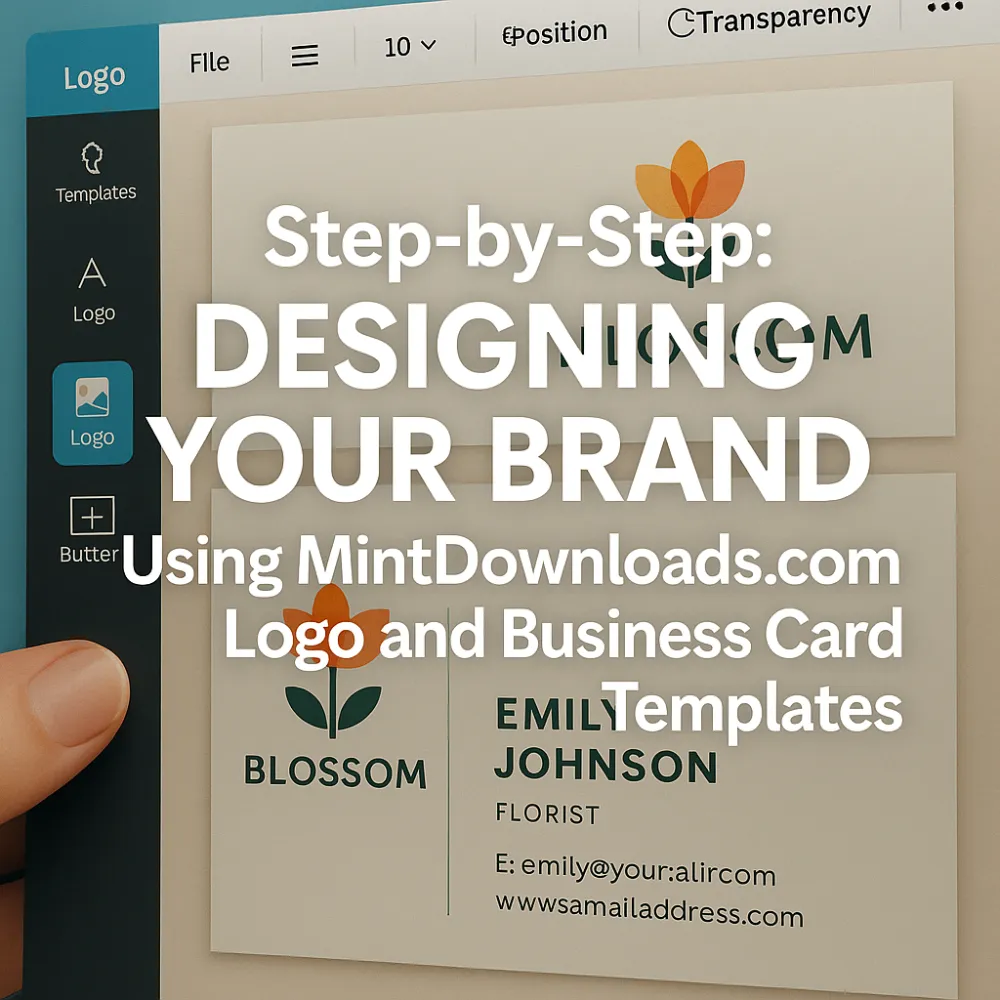
How to build a powerful brand identity in minutes, not months.
Table of Contents
- Why Branding Matters More Than Ever
- Common Mistakes in DIY Branding
- What Makes MintDownloads Templates Special
- Step-by-Step: Designing Your Logo
- Step-by-Step: Creating Your Business Card
- How to Maintain Visual Consistency Across Platforms
- Expert Branding Tips for Long-Term Success
- Real-Life Results from Small Business Owners
- Key Takeaways
- Recap + Call to Action
- SEO Keywords for High Google Rankings
1. Why Branding Matters More Than Ever (Intro Hook)
Think your logo and business card are just nice extras? Think again.
Your brand visuals are often the first—and sometimes only—impression you make.
2. Common Mistakes in DIY Branding
- Logos made in Word or Clipart tools
- Cards with inconsistent fonts or blurry graphics
- Off-brand colors that confuse your identity
- No clear message or value proposition
“A brand is no longer what we tell the consumer it is—it’s what consumers tell each other it is.” — Scott Cook, Co-founder of Intuit
3. What Makes MintDownloads Templates Special
- Professionally designed and market-tested
- 100% editable in Canva, Photoshop, Illustrator
- Built-in grid systems and brand color palettes
- Match your business niche: coaches, tech, beauty, finance, etc.
- Comes with icons, fonts, and bonus mockups
4. Step-by-Step: Designing Your Logo
- Choose Your Template: Find a design that reflects your mission and niche
- Replace Placeholder Text: Add your brand name and tagline
- Customize Colors & Fonts: Match your brand’s tone (modern, bold, minimalist, etc.)
- Add Icon or Symbol: Use meaningful imagery or abstract icons
- Export for Print and Digital: Save in high-resolution PNG and SVG formats
[Insert image: Screenshot of logo template editing process — caption: “From Template to Trademark.”]
5. Step-by-Step: Creating Your Business Card
- Select a Matching Card Template
- Insert Your Contact Info: Name, Title, Phone, Email, Socials
- Add QR Code: Link to your website or booking page
- Align with Logo Design: Use the same fonts, icons, and layout vibe
- Download for Print or Sharing: Upload to Vistaprint, Moo, or share as digital card
Checkout our awesome Templates
⚡ Instant Digital Download | ♾️ Lifetime Access + Free Qualifying Updates | ? Personal/Commercial/Resale License Included
👉 [ ✅ YES, TAKE ME TO THE TEMPLATES NOW → ]
6. How to Maintain Visual Consistency Across Platforms
- Use the same logo across social media, website, packaging
- Apply color palette to all designs (posters, banners, invoices)
- Stick with one typeface family for all content
- Save a brand kit for quick future edits
“Consistency breeds trust—and trust breeds conversion.” — Neil Patel
7. Expert Branding Tips for Long-Term Success
- Revisit your visuals quarterly to stay fresh
- Keep it simple—less is always more
- Ask for feedback before launching
- Include a call-to-action on every touchpoint
8. Real-Life Results from Small Business Owners
“I started with no brand at all. After customizing MintDownloads’ templates, I landed my first 5-figure client.” — Jasmine O., Coach
“People now say my brand looks expensive, but I spent under $20.” — Kofi D., Fashion Retailer
9. Key Takeaways
- Branding is your business’s visual handshake
- MintDownloads templates make it fast and flawless
- A consistent, customized look builds trust and authority
10. Recap + Call to Action
Whether you're a startup or side hustle, your branding shouldn't look homemade.
🎯 Download your MintDownloads.com Logo + Business Card Templates today and build a brand that stands out in every crowd.
UNLOCK MINTDOWNLOADS TEMPLATES
⚡ Instant Digital Download | ♾️ Lifetime Access + Free Qualifying Updates | ? Personal/Commercial/Resale License Included
Comments (0)